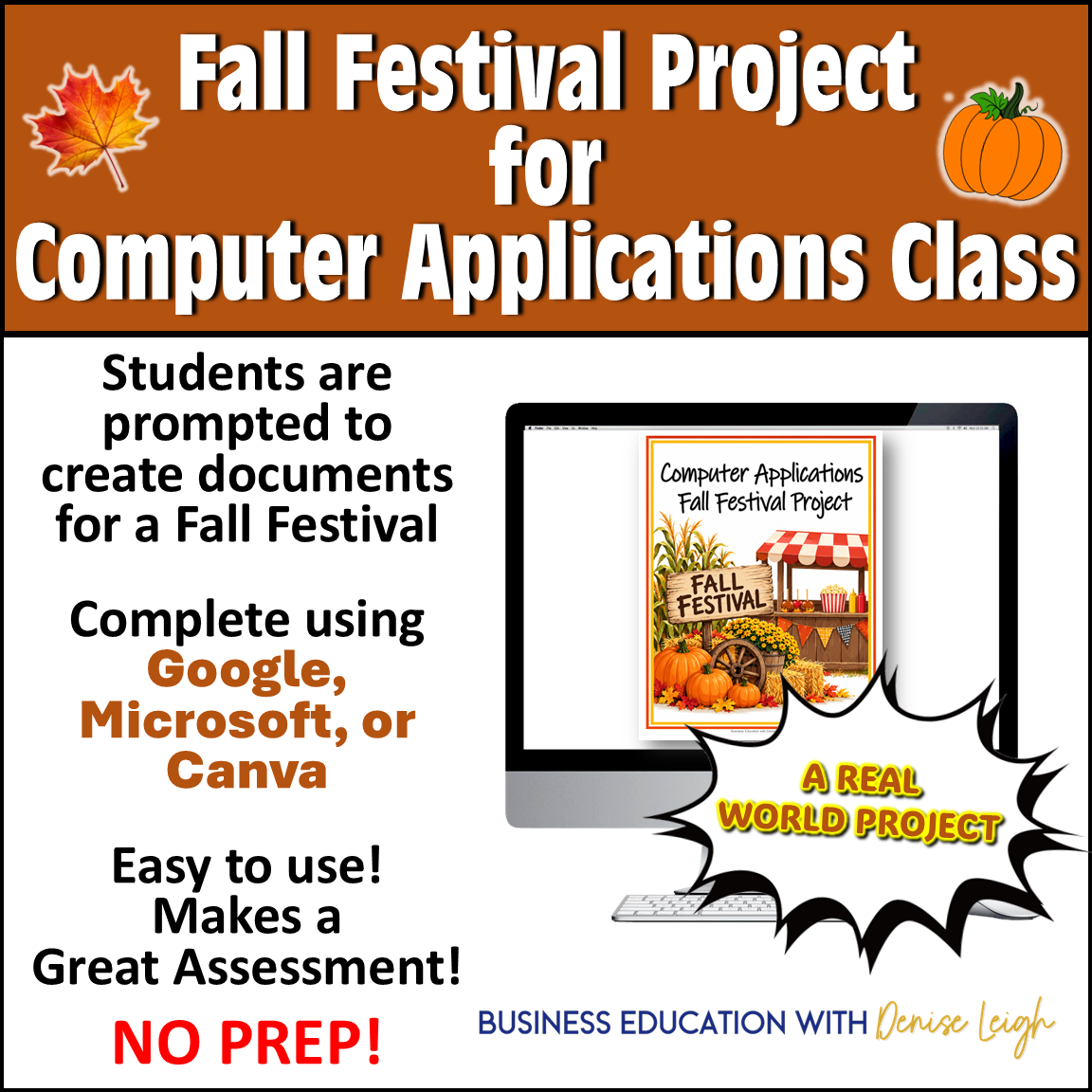
Bring a fun fall theme into your Computer Applications or Computer Literacy class while giving students an authentic opportunity to demonstrate the technology skills they have learned! In this Fall Festival Computer Applications Project, students plan and promote their own Fall Festival by creating a variety of real-world business documents, spreadsheets, presentations, and promotional materials.
Students can complete the project using Google Applications, Microsoft Office/Microsoft 365, Canva, or a combination of programs, making this resource flexible for almost any Computer Applications classroom. The project includes 7 different assignments that require students to apply technology skills, creativity, organization, formatting, written communication, spreadsheet skills, and digital design.
⭐ Use the entire project as a culminating assessment, end-of-unit project, fall activity, or choose individual assignments to reinforce specific computer application skills.
✅ Perfect for 6th, 7th, 8th, 9th, 10th, 11th, and 12th grades (Middle School thru High School alike)
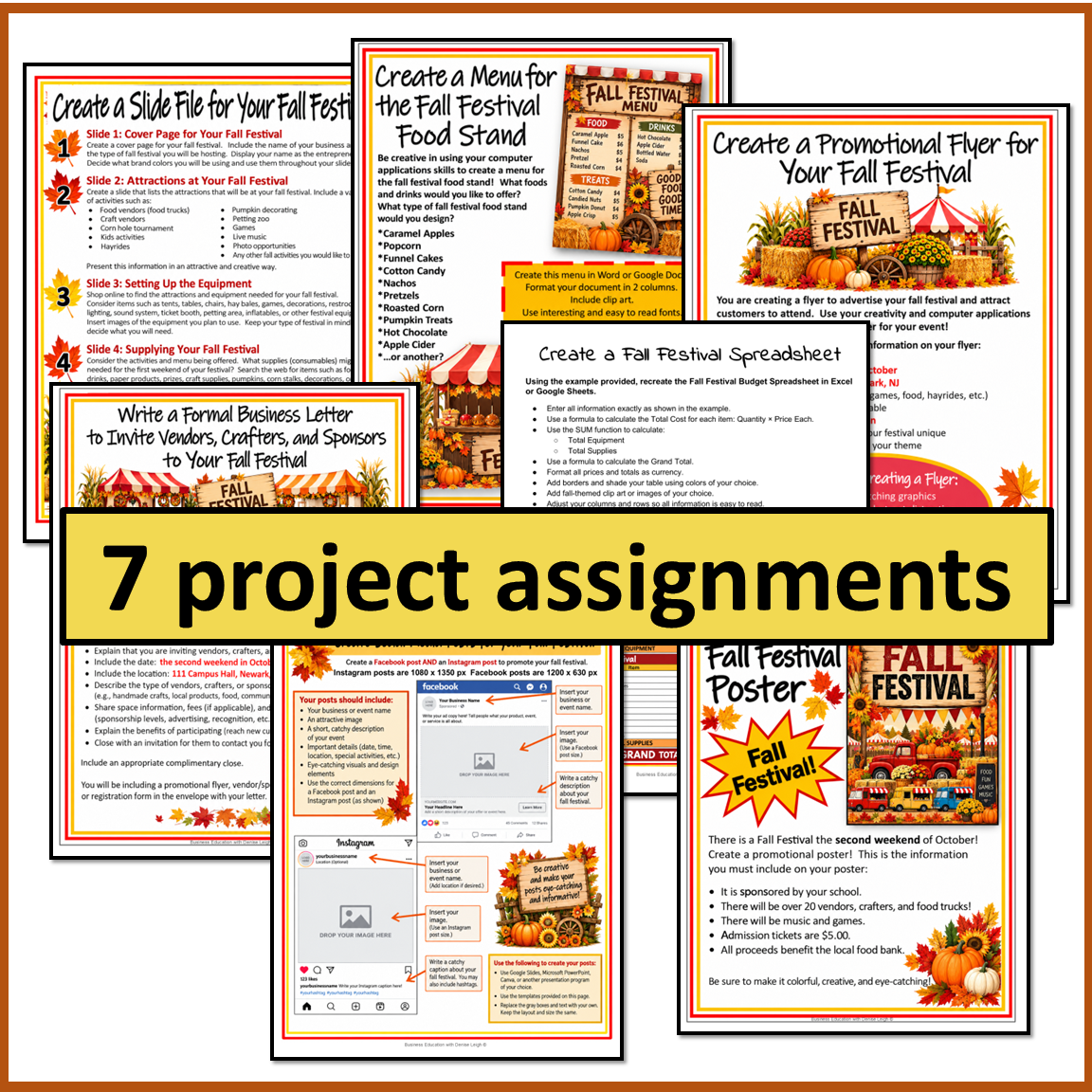
Project prompts are as follows:
- Create a Slideshow file
- Create a Spreadsheet
- Create a Menu
- Write a Formal Business Letter
- Create a Flyer
- Create a Poster
- Create Social Media Posts
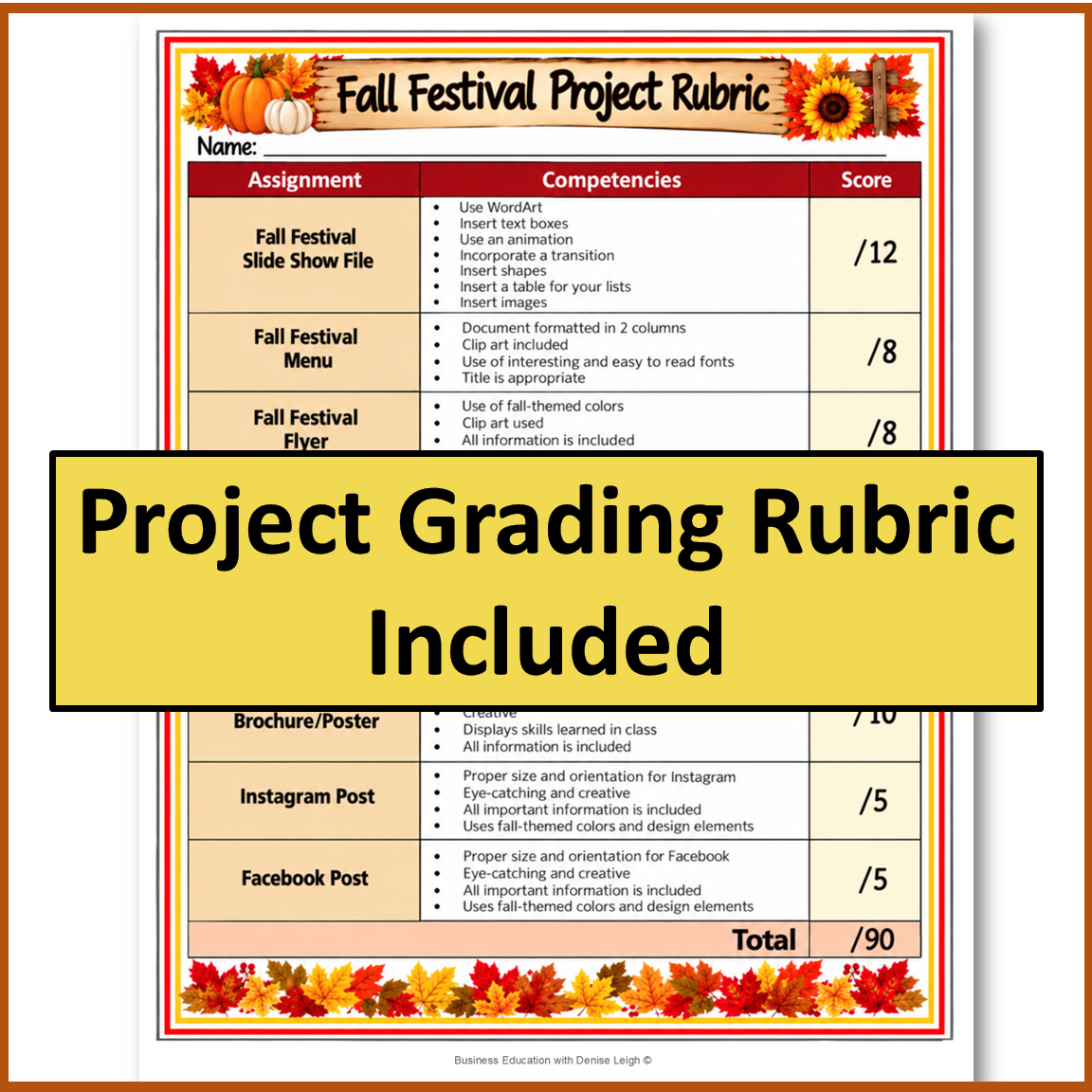
✅ Includes a suggested Grading Rubric.
✅ Includes Student Examples
✅ Students apply multiple technology skills throughout this project, including:
- Word processing
- Presentation software
- Spreadsheet applications
- Graphic design
- Document formatting
- Tables
- Formulas and functions
- Images and graphics
- Fonts and typography
- Page layout
- Digital communication
- Social media design
- Professional business writing
- File creation
- Creativity
- Critical thinking
- Following multi-step directions



Reviews
There are no reviews yet.