
$ 279.00
Take the guesswork out of planning your Computer Applications, Computer Literacy, or Technology class with this comprehensive Full-Year Computer Applications Bundle!
I combined four of my Computer Applications resources into one money-saving bundle so you can teach students essential technology skills using Microsoft Office 365, Google Applications, computer literacy lessons, digital activities, hands-on application projects, AND pencil-and-paper activities.
This bundle gives you the flexibility to move between screen-based learning and device-free learning throughout the year. Students learn practical computer skills by actually using Microsoft and Google applications, while also building their understanding of computer hardware, software, cybersecurity, digital citizenship, AI, technology careers, and other foundational computer-literacy concepts. The included printable Interactive Notebook gives you an easy way to reinforce those skills away from the computer.
✅ Perfect for 6th, 7th, 8th, 9th, 10th, 11th, and 12th grades (Middle School & High School), plus higher education and homeschool
Computer Applications Full Year Course Bundle | Microsoft 365, Google Apps, Computer Literacy & Interactive Notebook
Take the guesswork out of planning your Computer Applications, Computer Literacy, or Technology class with this comprehensive Full-Year Computer Applications Bundle!
I combined four of my Computer Applications resources into one money-saving bundle so you can teach students essential technology skills using Microsoft Office 365, Google Applications, computer literacy lessons, digital activities, hands-on application projects, AND pencil-and-paper activities.
This bundle gives you the flexibility to move between screen-based learning and device-free learning throughout the year. Students learn practical computer skills by actually using Microsoft and Google applications, while also building their understanding of computer hardware, software, cybersecurity, digital citizenship, AI, technology careers, and other foundational computer-literacy concepts. The included printable Interactive Notebook gives you an easy way to reinforce those skills away from the computer.
✅ Perfect for 6th, 7th, 8th, 9th, 10th, 11th, and 12th grades (Middle School & High School), plus higher education and homeschool
Why Teachers Will ❤️ This Full-Year Bundle
✔️ NO PREP / PLUG & PLAY resources
✔️ Designed for a full-year Computer Applications class
✔️ Includes both Microsoft 365 and Google Applications
✔️ Includes foundational Computer Literacy & Information Technology lessons
✔️ Combines digital learning + pencil-and-paper activities
✔️ Gives students hands-on practice using real productivity software
✔️ Step-by-step student instructions make implementation easier
✔️ Includes Teacher Keys and/or completed Student Examples throughout the resources
✔️ Includes pacing suggestions and organized lesson libraries, where applicable
✔️ Provides meaningful activities for device-free days
✔️ Excellent for new(er) technology teachers, veteran teachers, and multiple-prep teachers
✔️ Great for independent learning, sub days, review, and classroom instruction
✔️ Helps students develop practical technology and workplace skills they can the rest of their life and careers
What’s Included❓
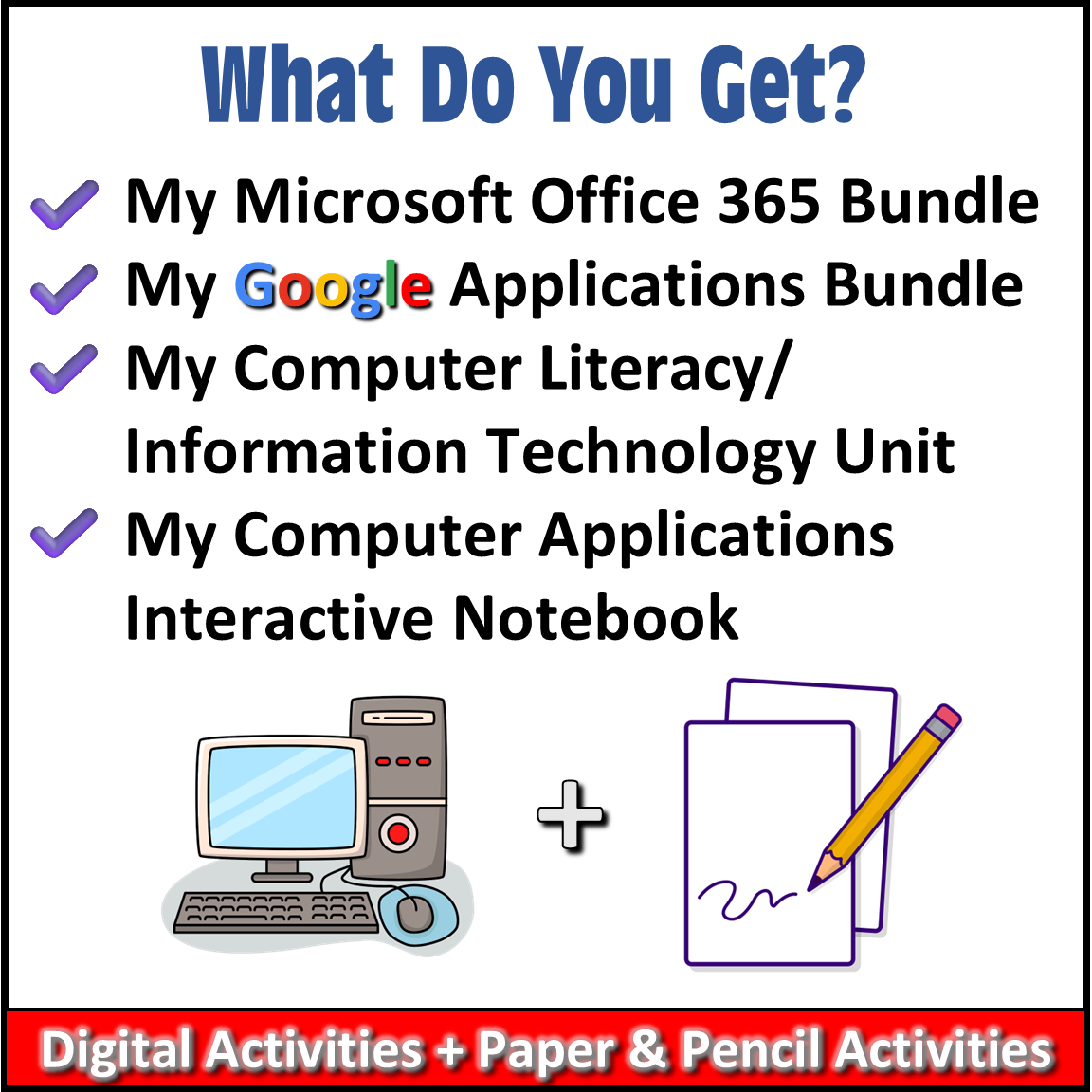
This bundle includes FOUR complete Computer Applications resources:
1. Microsoft Office 365 Course Bundle
Students develop practical skills using Microsoft Word, Excel, and PowerPoint through hands-on jobs and exercises. Each activity provides step-by-step instructions and quick visual references, helping students work more independently as they build proficiency with Microsoft applications.
Microsoft Word
Includes a 21-page printable student packet that guides students through Word skills and application-based jobs.
Students work with concepts and skills such as:
⭐Completed Student Examples are included for teacher reference.
Microsoft Excel
Includes a 16-page printable student packet with hands-on spreadsheet jobs and exercises.
Students practice skills connected to:
⭐Completed Student Examples are included for teacher reference.
Microsoft PowerPoint
Includes a 20-page printable student packet with hands-on presentation activities.
Students apply PowerPoint skills while creating a variety of presentations and projects involving:
⭐Student Examples are also included as Teacher Keys.
PLUS – 7 Fun & Seasonal Microsoft Activities
Students receive additional Word, Excel, and PowerPoint practice through:
⭐BONUS – Microsoft Classroom Décor
A ready-made, print-and-hang Microsoft Office-themed bulletin board is also included.
2. Google Applications Course Bundle
This section includes 36+ engaging “Plug & Play” Google Applications lessons and activities plus an easy-to-navigate Lesson Library that helps keep the course organized.
The Google Applications Bundle includes lessons, activities, and projects using:
The Google Bundle also includes:
✔️ Student Copies
✔️ Teacher Keys & Student Examples
✔️ Pacing Guides
✔️ Grading Rubrics
✔️ Teacher Notes, Tips & Suggestions
✔️ Organized Lesson Library
The Lesson Library gives teachers an organized sequence for the activities and includes pacing and time suggestions to make planning easier.
3. Computer Literacy & Information Technology Unit
Before students simply learn how to use software, they also need to understand the technology behind it!
This Computer Literacy & Information Technology Unit includes 13 no-prep lessons designed to teach essential computer, technology, digital-literacy, workplace, and career-readiness concepts. The unit is designed for approximately 3–4 weeks of instruction.
Topics include:
The Computer Literacy & Information Technology Unit includes:
✔️ Student Copies
✔️ Teacher Keys
✔️ Expected Time / Pacing
✔️ Organized Lesson Library
✔️ Google Docs and Google Slides files that can easily convert to Microsoft Word and PowerPoint
4. Computer Applications Interactive Notebook
Give students a break from their screens while continuing to reinforce essential Computer Applications concepts!
The included 38-page printable Computer Applications Interactive Notebook provides structured pencil-and-paper activities that students can use for:
✔️ Independent Work
✔️ Bell Ringers
✔️ Exit Tickets
✔️ Homework
✔️ Formative Assessments
✔️ Tech-Free Learning Activities
A Student Version and completed Teacher Version with Answer Keys are included.
Students work through:
Students can paste the pages into a composition notebook, write their vocabulary directly on the facing notebook pages, and create a personalized technology reference guide.
And because some teachers prefer a binder, I also included a full-size page option for use in a 3-ring binder.
Computer Applications Topics Covered in the Interactive Notebook
Students will gain experience with a broad range of technology and productivity skills, including:
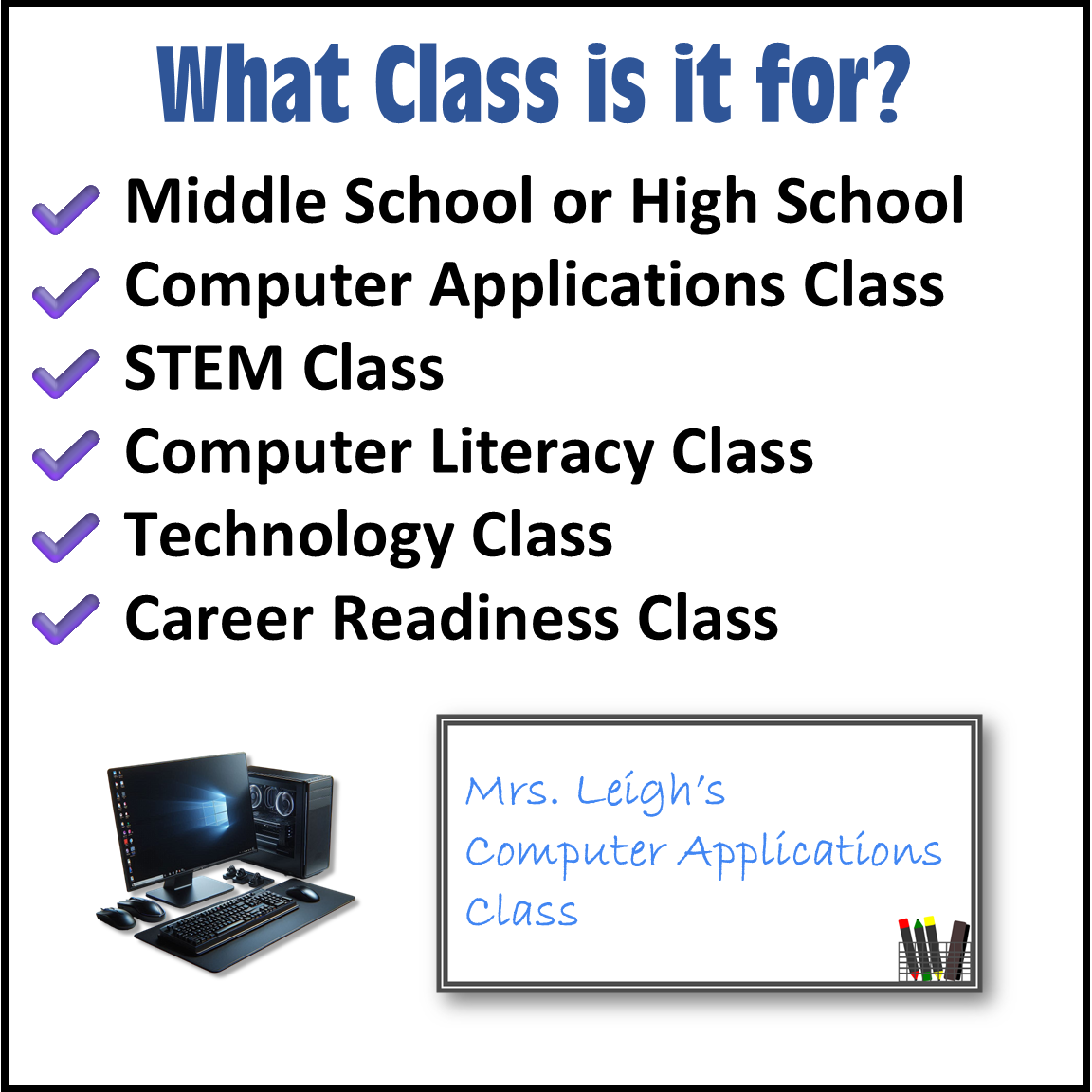
💯 What Class Is This Bundle For?
💯One of the biggest advantages of this bundle is that you are not locked into one type of instruction.
✔️Use the Microsoft and Google activities when students need hands-on computer practice.
✔️Use the Computer Literacy lessons when students need to understand the concepts behind technology.
✔️Use the Interactive Notebook when you want students off their devices, reviewing terminology, taking notes, answering bell ringers, or thinking critically about technology.
⭐That combination gives you meaningful digital activities AND paper-and-pencil activities throughout the school year.⭐
📥 File Types
This bundle contains a combination of:
The Google files can easily be converted for use with Microsoft Word and PowerPoint.
⚠️ Microsoft Software Note
Students will need access to the appropriate Microsoft programs for the Microsoft Office activities. If students are using free versions of Word, Excel, or PowerPoint, some tools and functions used in the activities may not be available.
🎯 Teaching Duration
Designed for a Full-Year Computer Applications / Computer Literacy Course.
Because every school schedule is different, you can adjust the pacing, skip activities your students have already mastered, spend additional time on Microsoft or Google applications, or use the Interactive Notebook and Computer Literacy lessons to reinforce concepts throughout the year.
This Computer Applications Full Year Bundle gives you the flexibility to teach the skills students actually need…Microsoft 365, Google Applications, computer literacy, digital citizenship, cybersecurity, AI, technology careers, productivity software, and responsible technology use…all while giving students plenty of opportunities to practice, create, think, and apply what they learn.
Instead of piecing together an entire Computer Applications class one activity at a time, you have a comprehensive collection of digital lessons, hands-on software activities and simulations, computer-literacy instruction, teacher support materials, and device-free reinforcement activities ready to use throughout the school year.
Only logged in customers who have purchased this product may leave a review.
Reviews
There are no reviews yet.